Save without breaking focus
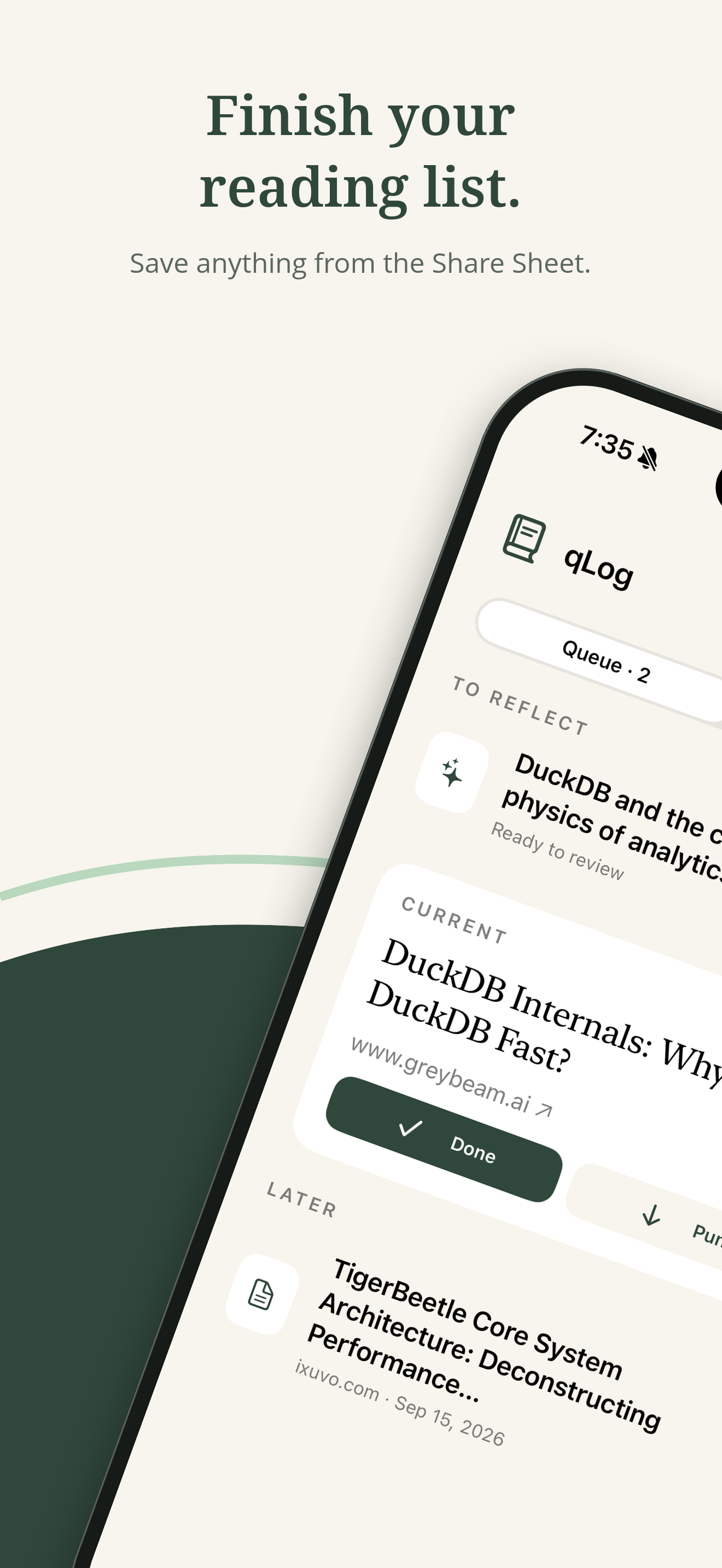
Send an article to qLog from the Share Sheet. It takes its place in your queue, ready when you are.
 qLog
qLog
A thoughtful reading queue for iPhone
Save the articles you mean to read. qLog keeps you focused on one at a time, then helps the ideas stick with a quick quiz and a useful summary.
No account required · Your data stays on your iPhone
More than a list of links
Reading something isn't the same as remembering it. qLog gives every saved article a simple path from “later” to something you've actually learned.
Send an article to qLog from the Share Sheet. It takes its place in your queue, ready when you are.
Work through a calm, ordered queue. Not ready for the current article? Punt it until later.
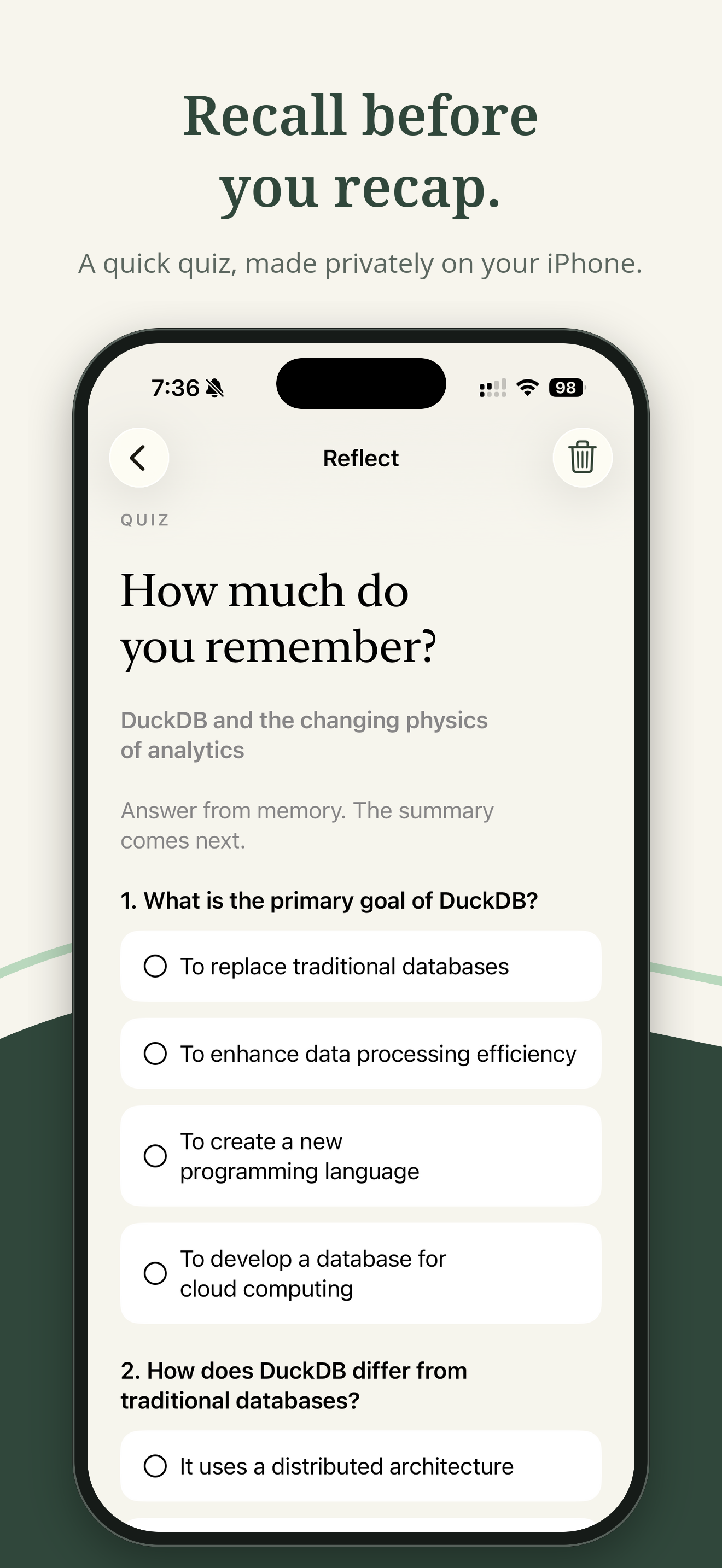
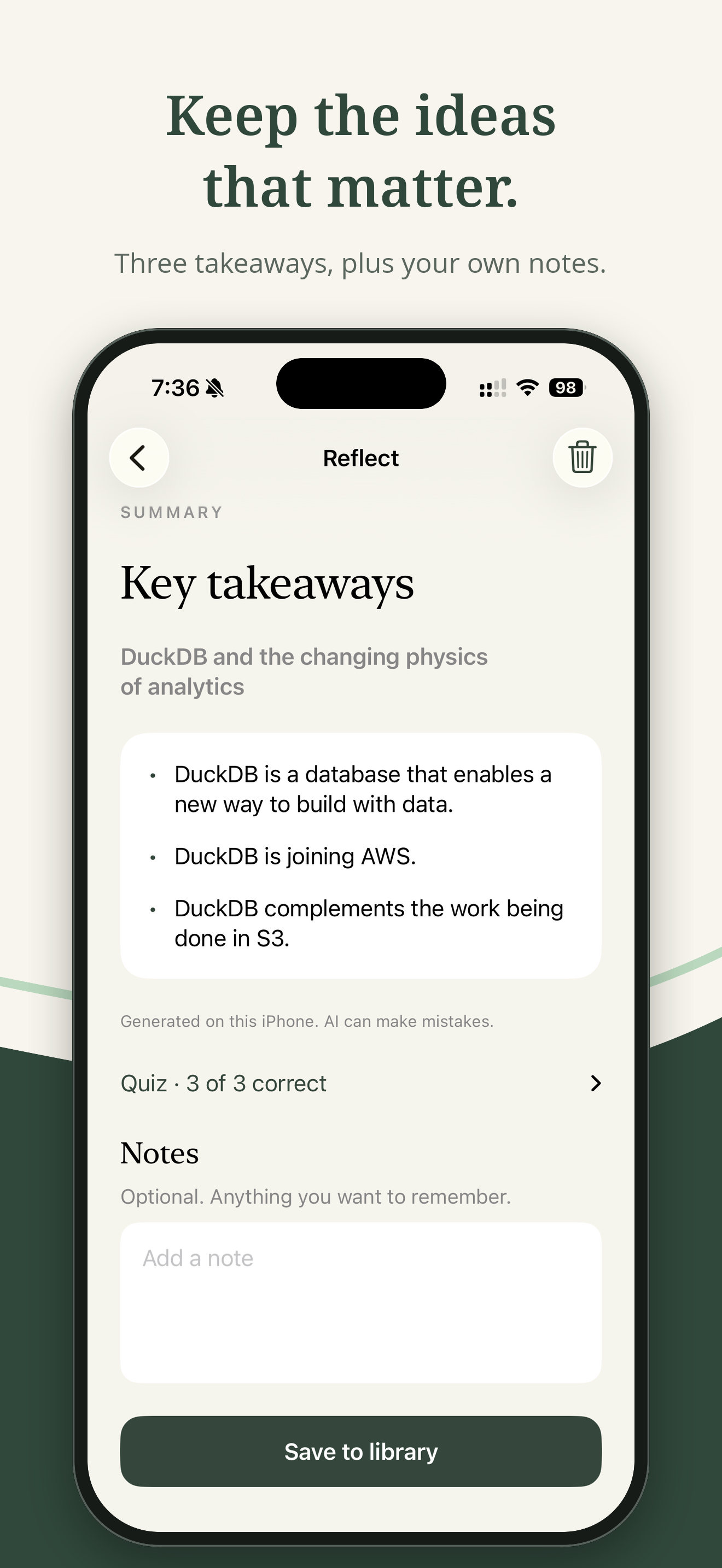
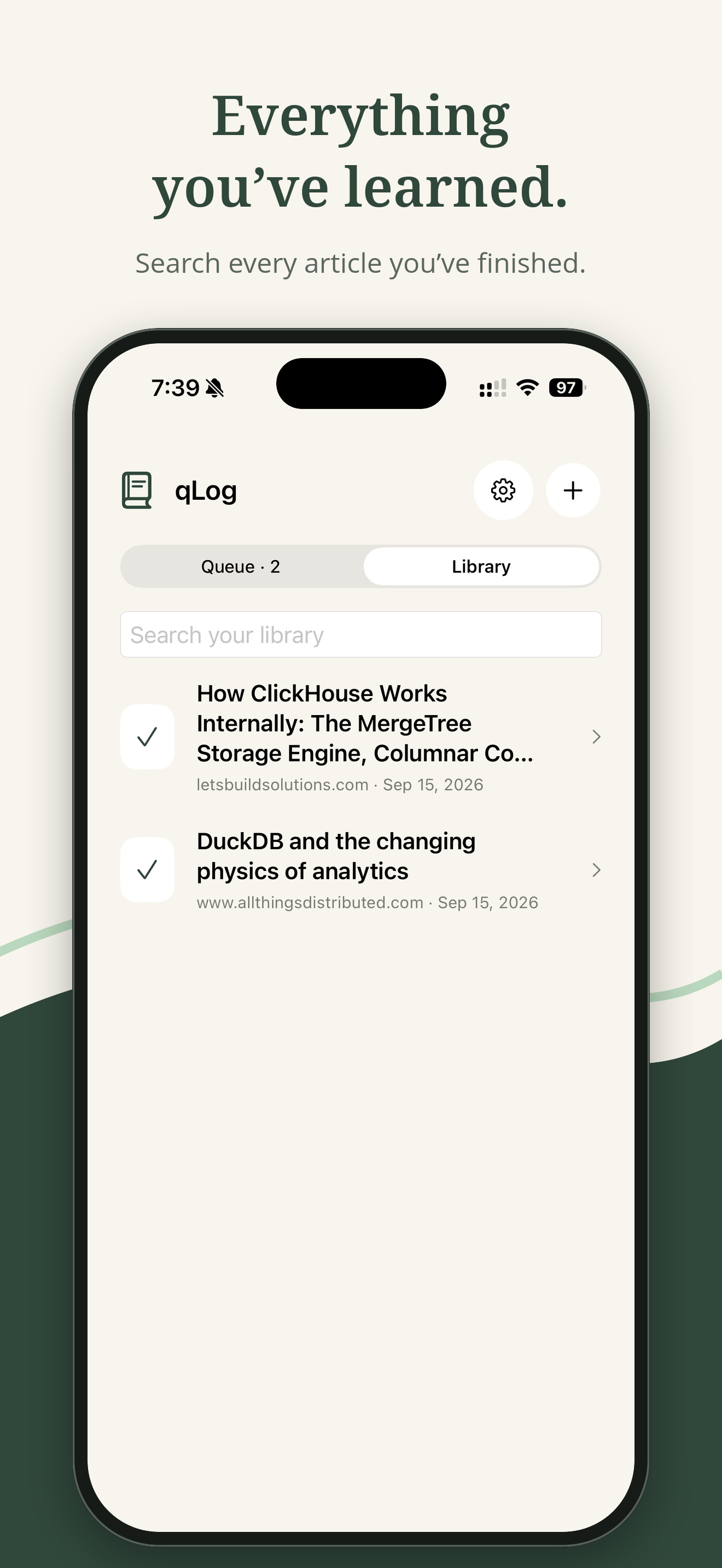
Answer a short quiz from memory, review the key takeaways, and add a note in your permanent library.
A small, focused workflow
Quizzes and summaries are created privately on supported iPhones using Apple Intelligence.
Private by design
qLog has no account, ads, or in-app analytics. Your queue, quiz answers, summaries, and notes stay on your iPhone.
Read the privacy policyEmail qlog@mohitc.com and include your iPhone model and iOS version.
In Safari or any other app, tap Share, then qLog or Add to qLog. If you don't see either action, tap Edit Actions or More to turn it on. You can also tap + in qLog to paste a link.
They're generated on your iPhone with Apple Intelligence, which must be supported and turned on in Settings. If you just enabled it, the on-device model may still be downloading. On other iPhones, qLog still works as a reading queue and library with notes.
Tap Retry, or tap Skip to save it to your library with your own notes. Some paywalled, login-only, or script-heavy pages can't be read automatically.
Yes. Tap Skip quiz to go straight to the summary and notes. To retake one, open the article in your library and tap Retake quiz.
Yes. Open Settings in qLog to turn either one off. Under Advanced, you can also add optional guidance, such as “focus on practical takeaways.”
Long-press an article anywhere it appears and choose Delete, or use the trash button on its quiz or library screen.
No. Your queue and library are stored only on your iPhone. They're included in your regular iPhone backups, so restoring a backup to a new iPhone brings them along.
Start closing the tabs
qLog is available on the App Store for iPhone.